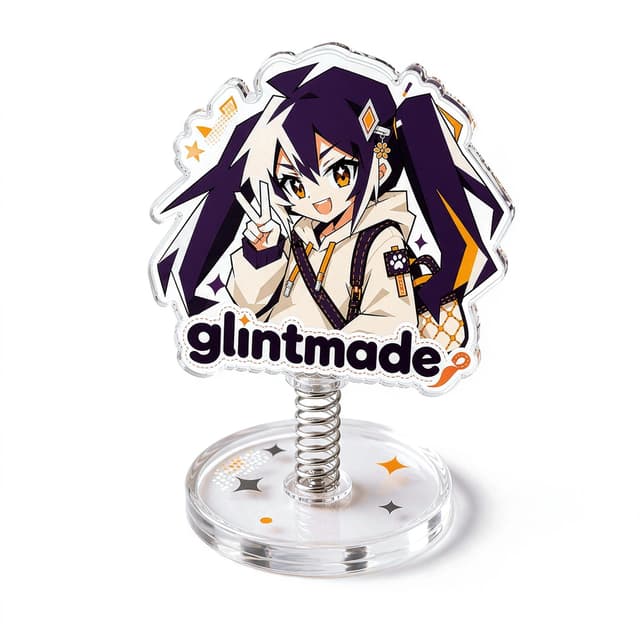
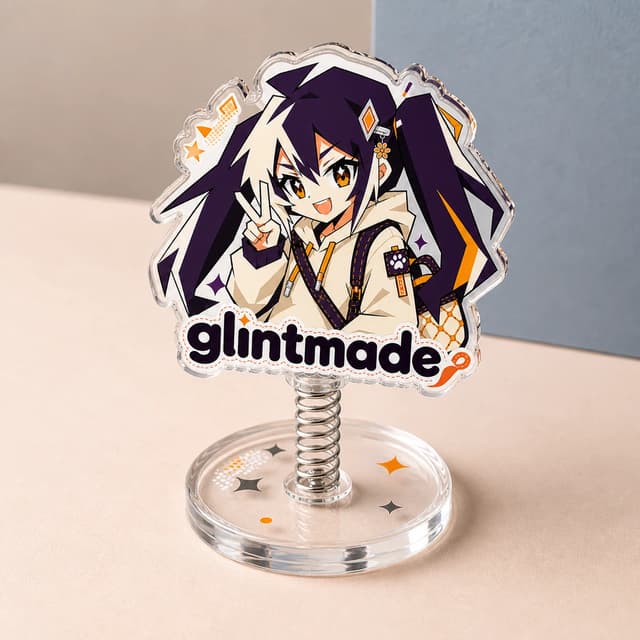
Custom Spring Acrylic Standee
From $7.12
PRODUCT SUBCATEGORY
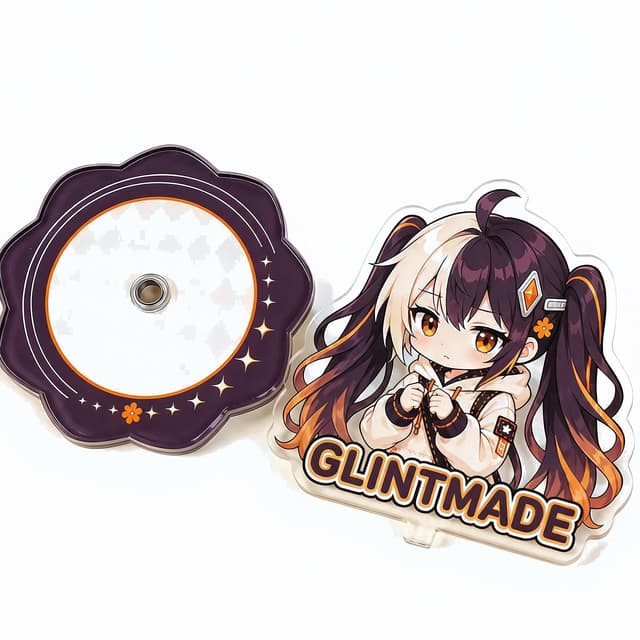
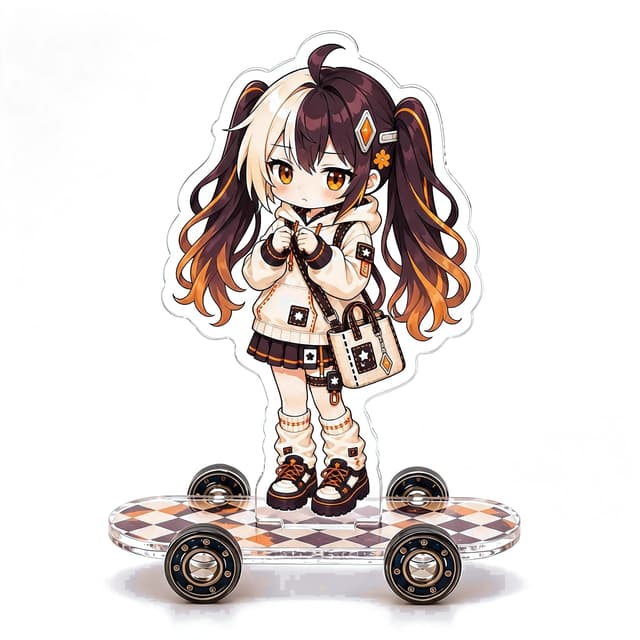
StandeesCustom acrylic standees with real motion: spring bobble uprights, rotating displays and rolling skateboard standees. Assembled in the online editor.
HOW TO CHOOSE
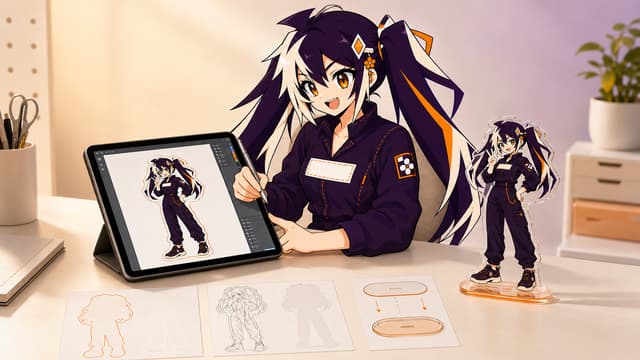
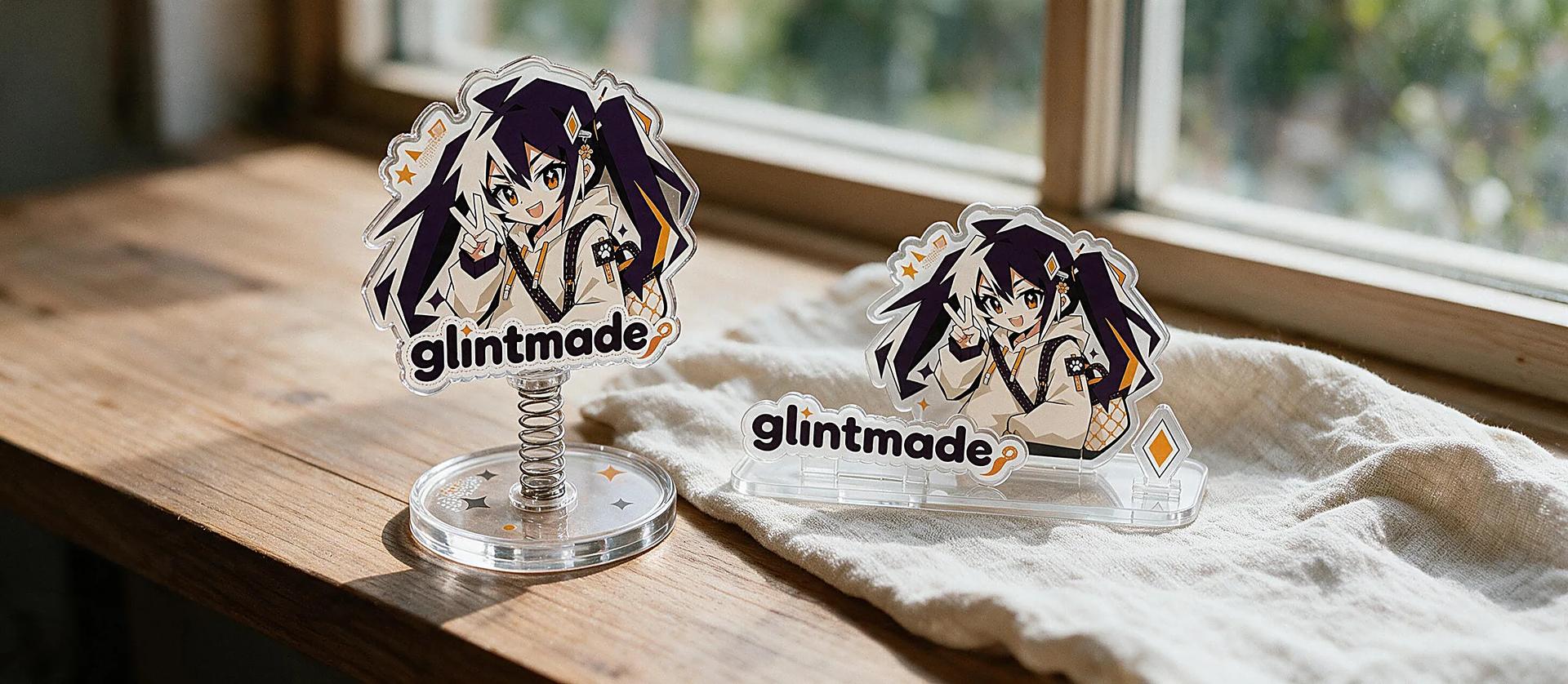
Motion standees add life to a display: a spring joint makes the upright bobble at a touch, a rotating base turns the artwork with a flick, and a skateboard standee rolls on real wheels. Plan the moving parts together with the artwork — the pivot point, the balance of the upright and the base all decide whether the motion reads clearly. Choose the construction, height, finish and quantity, then assemble the pieces in the online editor: the preview shows every part, and production follows that preview with no separate proof.
| Format | Choose it when | What to check |
|---|---|---|
| Spring standee | A touch sets the upright bobbling | Pivot point, spring strength and balance |
| Rotating stand | The artwork turns to show two sides | Rotation stop, side artwork and base fit |
| Skateboard standee | Real wheels make the display playable | Wheel clearance, deck art and stand angle |
AI, PDF, PSD and transparent PNG files are accepted. Vector or layered artwork is preferred; prepare raster files at 300 DPI in CMYK and outline important fonts. Keep each upright, the base artwork, white ink and special effects on separate, clearly named layers or files.
Standee size follows the longest finished edge and includes the acrylic border, not only the printed artwork. Keep important details inside the safe area. For a full-bleed design, extend the background beyond the intended trim so the edge-to-edge cut line stays accurate.
Single-sided artwork normally uses white ink behind the front print. Repeating the same design on the reverse can create a mirrored result; if the artwork contains text, directional details or a true back view, upload separate front and back files that share the same outer shape. Base artwork is confirmed separately.
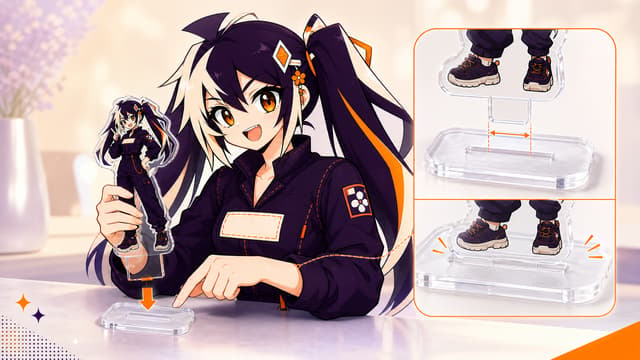
The upright tab and base slot are made to match so the finished parts assemble securely. Confirm the base shape, slot position and viewing direction before you order. Align the tab carefully on a flat surface and press evenly; do not force a tight or angled piece into the base.
Yes, selected combo styles can place several upright pieces on one custom base. Available piece count depends on the base size, slot spacing, artwork width and center of gravity. Leave enough space to avoid visual overlap, and mark the intended front-to-back order when pieces are layered.
Use CMYK artwork and include a Pantone reference when a brand color is critical. White ink makes printed areas more opaque, while areas without it allow clear acrylic or special material to show through. Put transparency, gradients, holographic masks and other effects on separate named layers.
There is no separate proof for standees designed in the editor. The live preview shows the finished size, cut line, white ink and finish, automatic checks flag problems such as low resolution, and production follows that preview and the specs on your order. Products made outside the editor are confirmed in design review, and an approved design can be ordered as a single sample; bulk orders agreed by email can arrange a pre-production sample. Remove protective film from both upright and base after inspection, assemble gently, and clean with a soft microfiber cloth.
Yes. Name every upright and base file clearly and assign the required quantity to each design. Size, number of pieces, print sides, special effects, base construction, quantity and packing method affect the final schedule and price. After you order, parts are printed, cut, matched, inspected and packed to the confirmed order specs.
GUIDES