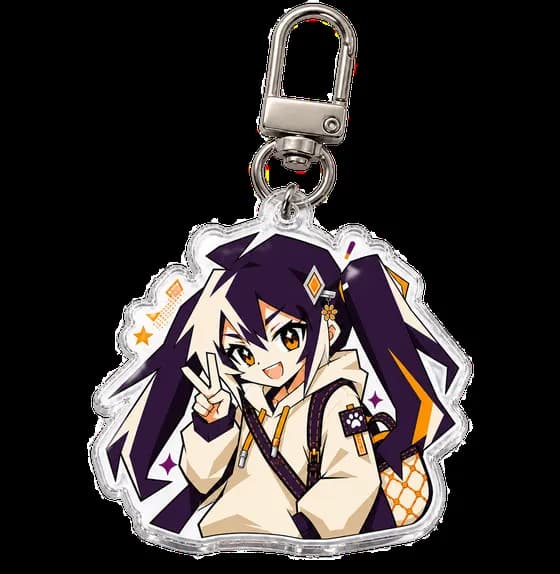
Custom acrylic keychains look simple from the outside: clear plastic, a printed design, a metal clasp. On the factory floor, each one passes through printing, bonding, cutting and inspection before it reaches your keyring. Here is how that process works, step by step, with the details that decide whether your design survives the journey.
Artwork is checked against production rules, UV-printed with a white ink layer, sealed between layers of acrylic, laser-cut along the contour, finished with optional epoxy or effect layers, fitted with hardware and inspected before packing. From payment to dispatch, acrylic keychains take about 5–7 business days in our own factory.
01
Key takeaways
A custom acrylic keychain is made in five stages: the artwork file is checked against production rules, the design is UV-printed with a white ink layer, the printed sheet is bonded and laser-cut along the contour, optional finishes are applied, and the charm is assembled, inspected and packed. Every stage has a quality gate, and the file you upload decides most of them.
- Every order is produced from a production-ready file: cut line, white layer and 0.5 mm bleed are checked before anything prints.
- The artwork is not printed on the surface. It is UV-printed and sealed inside the acrylic layers, which is why the design cannot be scratched off.
- Laser cutting follows the contour in your file and produces the hanging hole in the same pass — the hole is a load-bearing structure, not an afterthought.
- Epoxy, holographic, glitter and frosted finishes are applied after cutting; each changes thickness, weight and feel in different ways.
- A digital proof is the default checkpoint: if the proof looks right, the batch will match the proof.
02
How are acrylic keychains made? The five stages
How are acrylic keychains made? The short version is a five-stage pipeline: check the artwork, print the design, seal and cut it, finish the surface, then assemble and inspect. Each stage has its own quality gate, and a mistake made early — a missing white layer, a cut line that is not closed, a hole placed over a thin detail — cannot be fixed later. That is why the factory spends as much effort on the first stage as on the last one. On the clock, acrylic keychains are a 5–7 business day product once payment lands — made in our own factory in Wenzhou.
The pipeline runs on sheets, not single pieces. Your design is nested together with other orders onto large acrylic panels, printed as a sheet, bonded, and only then cut into individual charms. Understanding this helps designers in two ways: colours are judged on a proof of your design, not on a neighbour's; and the closer your file is to production rules, the less special handling your piece receives.
The sections below walk the line in order. At each step you get the what, the why, and the file-side decisions that change the outcome. If you want the buyer's-eye view of the finished product first, the keychains catalog shows the current formats and sizes.
03
Step 1: Artwork check and proofing
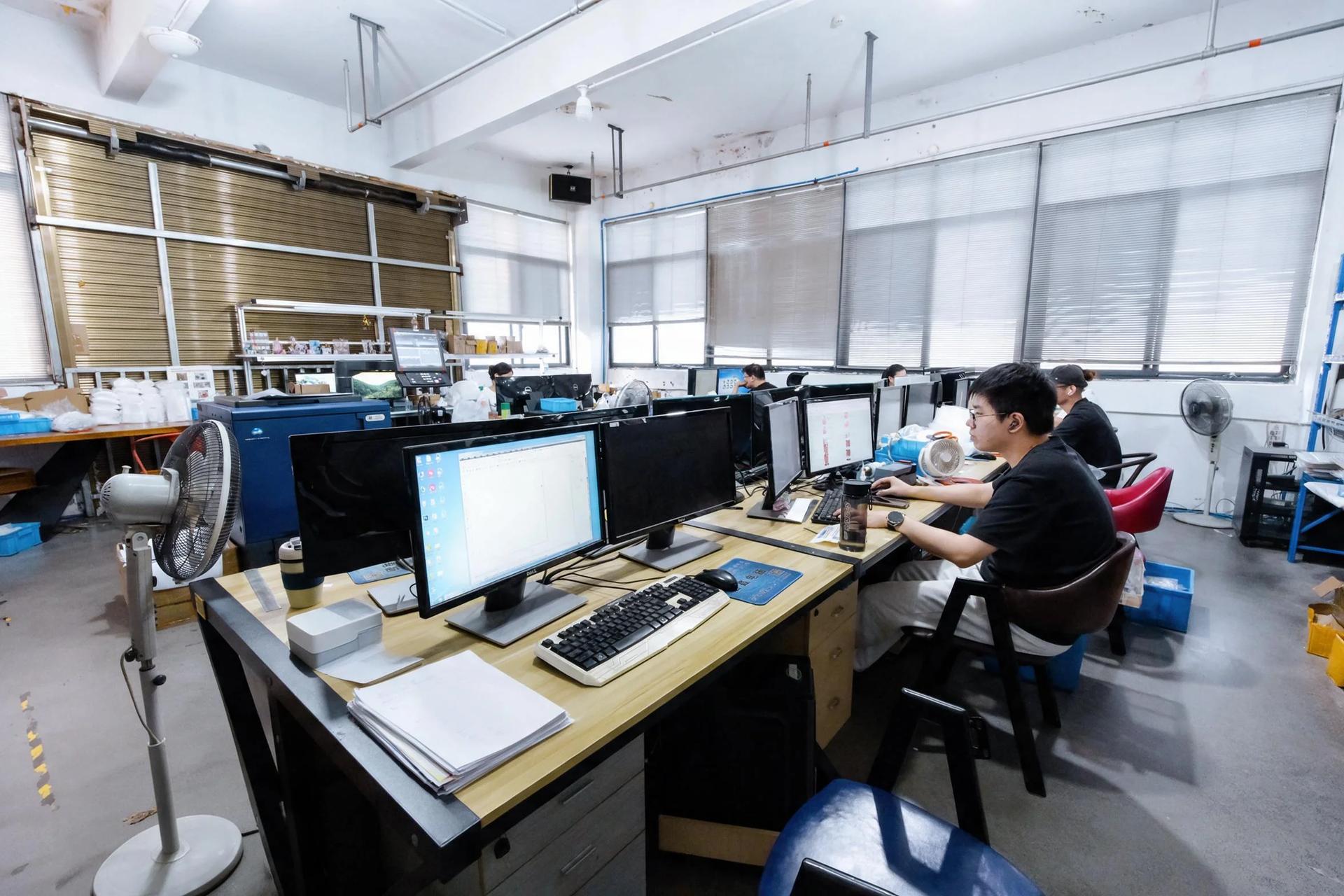
Production starts before any machine runs: a preflight pass over your file. The checks that matter are structural — is the cut contour a closed path, is there a white layer for opacity, do colours have room to bleed past the cut line. On clear acrylic, a missing white layer is the single most common reason a design looks faded or translucent instead of opaque.
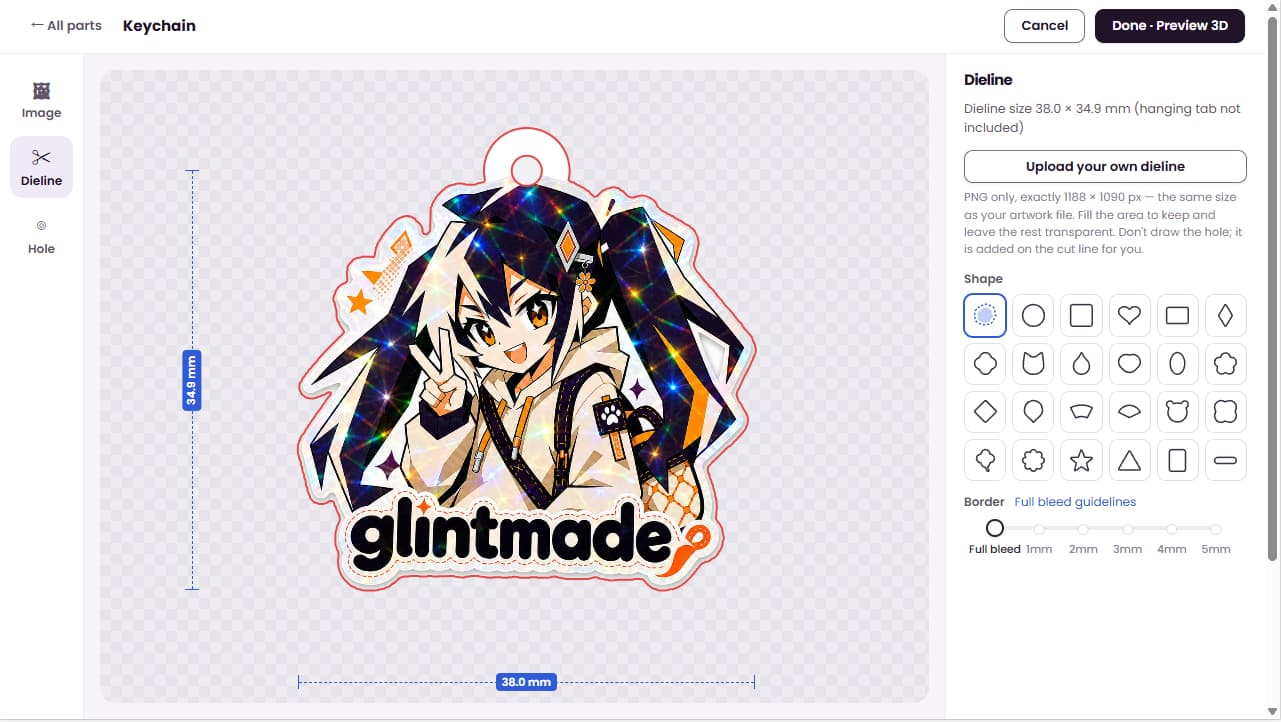
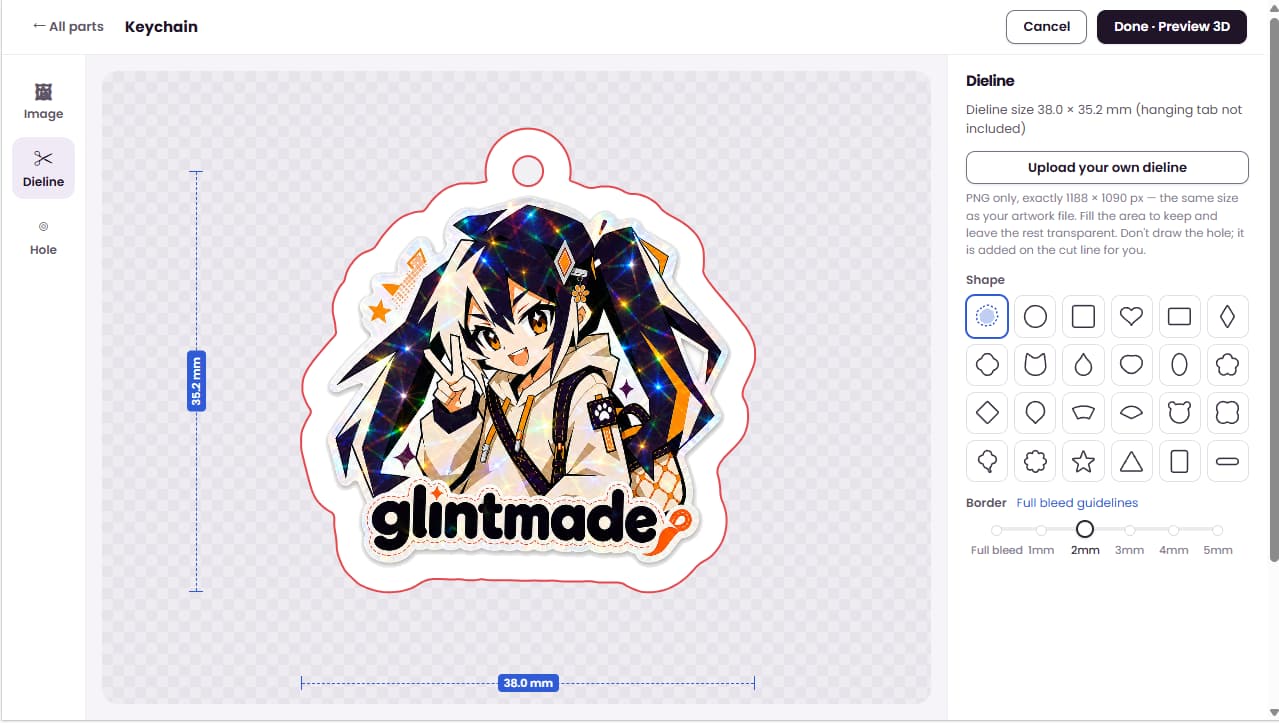
The numbers are simple and worth memorising. Artwork should extend 0.5 mm past the cut line (the bleed), and important content — faces, text, logos — should sit at least 2 mm inside it (the safe zone). Fine white lines need more than 0.5 mm of stroke to survive printing; coloured lines more than 0.3 mm. These are not arbitrary style rules: bleed absorbs cutting tolerance, and the safe zone protects detail from the hanging hole and the edge. In the dieline editor this is the Border control: Full bleed runs the artwork to the cut line, while a bordered design keeps a white margin inside it — the two screenshots below show the same Glint artwork switched between the two.
Proofing is the checkpoint where design intent meets production reality. The default is a digital proof — a flattened simulation of the layered file, shown the way the finished charm will read through the acrylic. A physical sample can be arranged before a full run when a design is ambitious. Two things are confirmed at proof: colours, and the hanging hole. The hole is load-bearing — it needs solid acrylic around it, clearance from thin spikes and hairlines, and a position that keeps the charm hanging level. A beautiful design whose hole lands on a delicate antler tip is a proof-stage conversation, not a production-stage apology.
Files we accept: AI, PDF, PSD or transparent PNG. Vector is preferred; bitmaps should be 300 DPI, CMYK, with the longest edge at least 1,000 px. Layers for the white ink and the cut contour should be separated and clearly named — “White” and “CutContour” is the convention. Convert fonts to outlines so nothing depends on fonts installed on the factory's machines. The fastest route past this stage is our online editor: its template already carries the cut contour and the white backing, so positioning your artwork on the model is all the setup it needs.
04
Step 2: UV printing the middle layer
Here is the part most guides get wrong: the artwork is not printed on the surface of the finished keychain. It is printed to sit inside the acrylic — bonded between layers so that, on the finished charm, you view the design through a layer of clear acrylic with no ink on the surface at all. This is why a well-made acrylic keychain does not scratch its design off: there is no exposed ink to scratch.
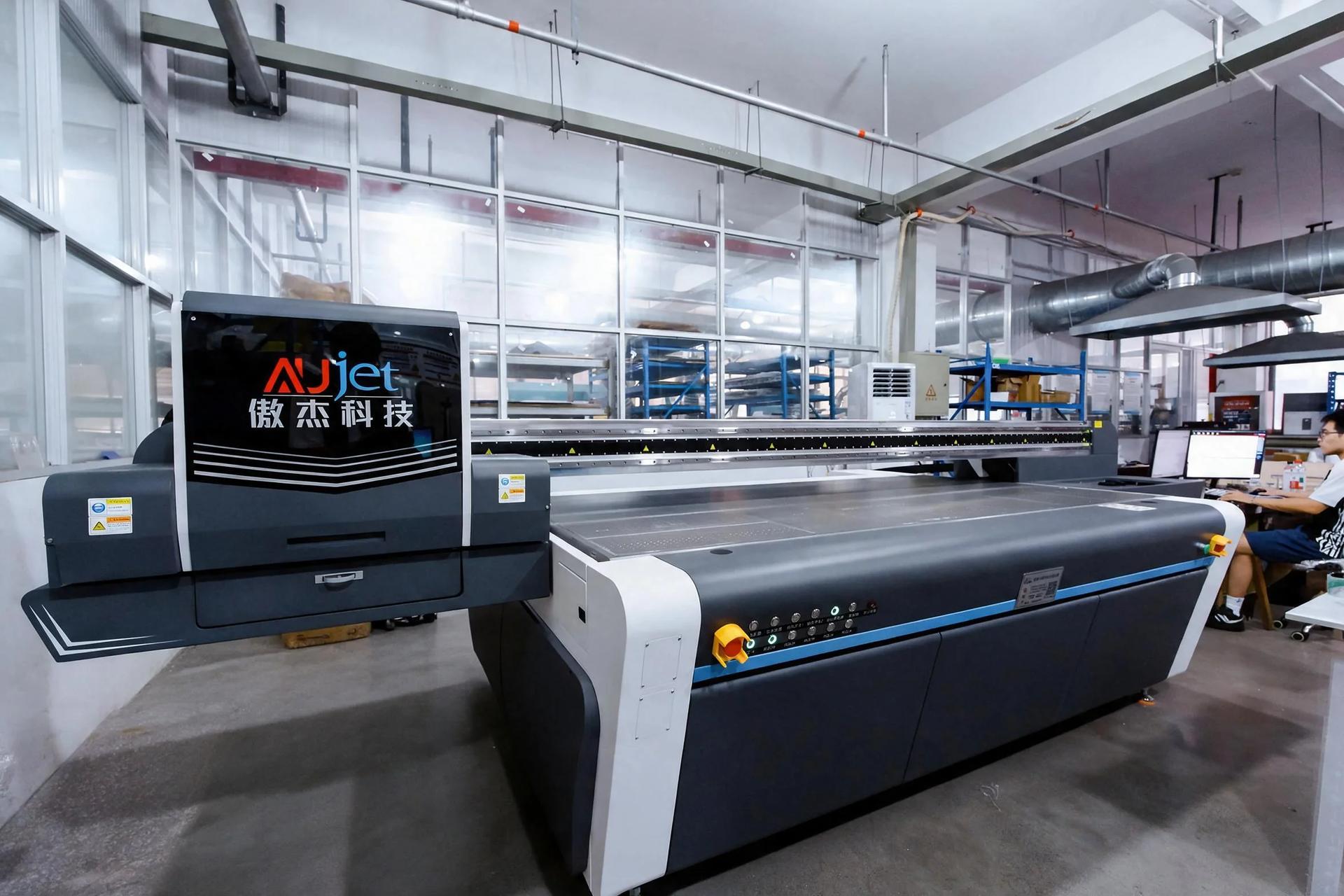
Printing runs on flatbed UV printers. Sheets are placed on the flatbed and printed directly, in CMYK, with no printing plates — which is why a batch of one hundred different designs carries no per-design setup cost, and why two keychains from the same order can look completely different.
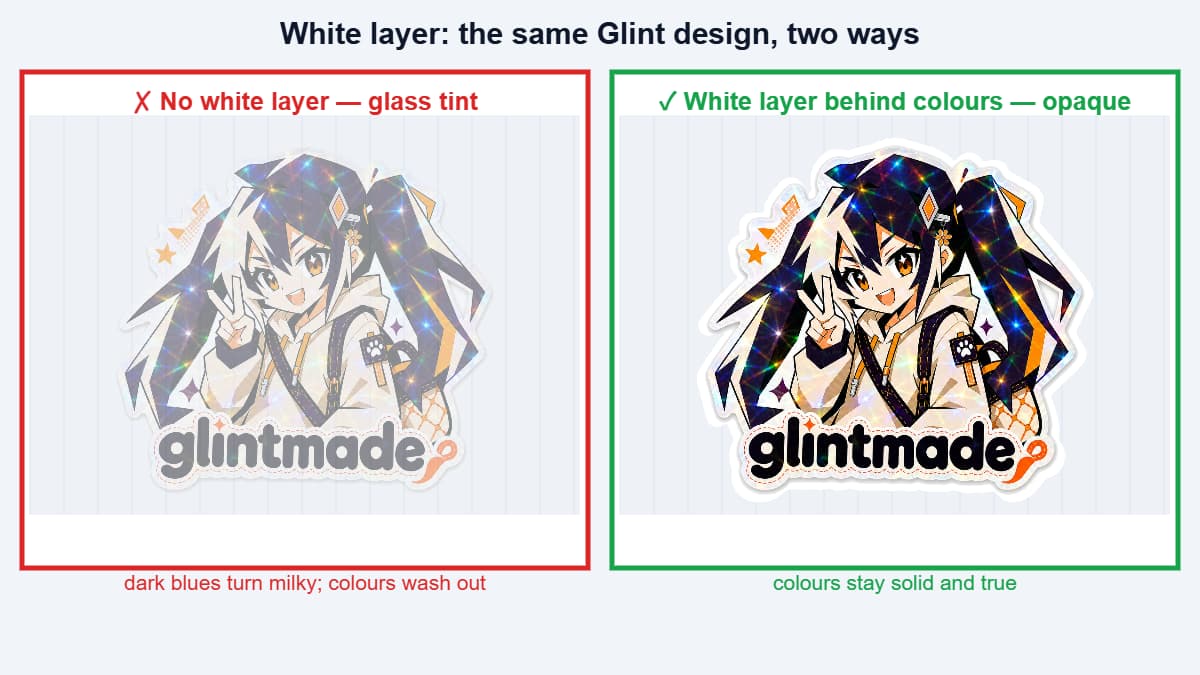
Clear acrylic is clear because it is non-porous — which also means ordinary ink would sit on it like water on glass. The white ink layer is what makes the design work. Printed behind the colours, it blocks light from passing straight through and gives every colour an opaque backing, so a pastel pink reads as pastel pink instead of as glass tint. For designs meant to be seen through the front, the artwork is mirrored in the file and the white layer goes behind the colours; the exact layer arrangement for front-and-back versions is confirmed with your proof. The pair below shows the same design with and without the white backing.
Two file-side decisions shape the result. First, CMYK: the printers run CMYK, so neon screen colours will be simulated, not matched — a CMYK file shows you the honest version early. Second, gradients and fine detail: production-resolution UV printing holds detail well, but hairline white strokes below roughly 0.5 mm tend to break up. If your design needs hairlines, make them coloured rather than white.
05
Step 3: Bonding the layers into a single piece
After printing, the sheet is bonded into a sandwich: the printed layer on the inside, clear acrylic in front of and behind it. From this point the design is sealed — protected from the cutting, cleaning and handling that follow, and from everything that happens to a keychain afterwards: pockets, keys, bags and drops.
Bonding is also where opacity is locked in. The white layer and the acrylic thickness together decide how solid a charm reads; a standard 2 mm or 3 mm panel with a full white backing looks solid from the front. If your design deliberately plays with translucency — a ghost effect, semi-transparent water — say so at proofing, because the default is built for opacity.
Front-and-back designs with different artwork on each face are produced from two aligned files; the exact layer arrangement is confirmed with your proof.
06
Step 4: Laser cutting and hole punching
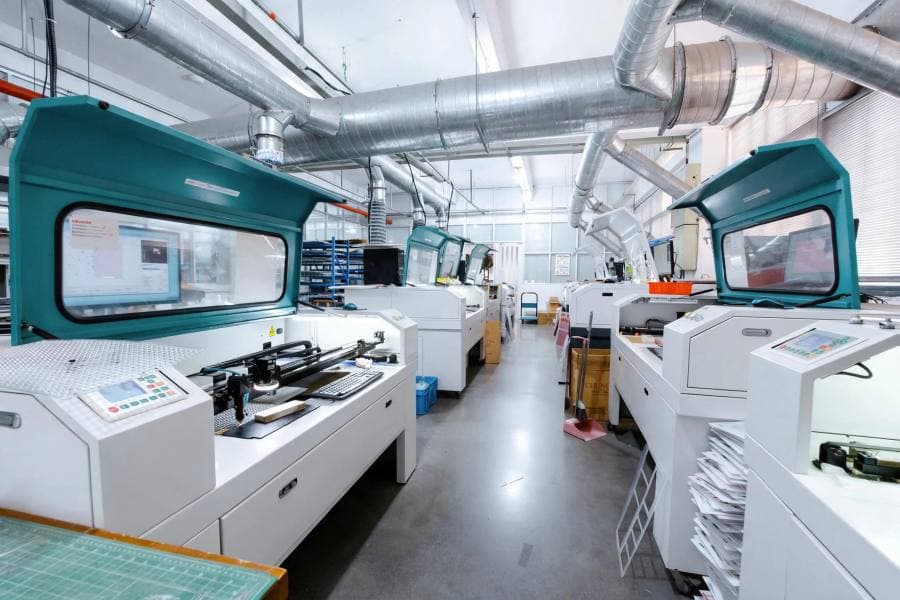
Bonded sheets move to the laser cutters, which follow the cut contour in your file — the same path that defined the bleed and safe zone back in Step 1. Laser cutting does two jobs in one pass: it cuts the outer contour, and it punches the hanging hole. Both are drawn as vector paths in the production file.
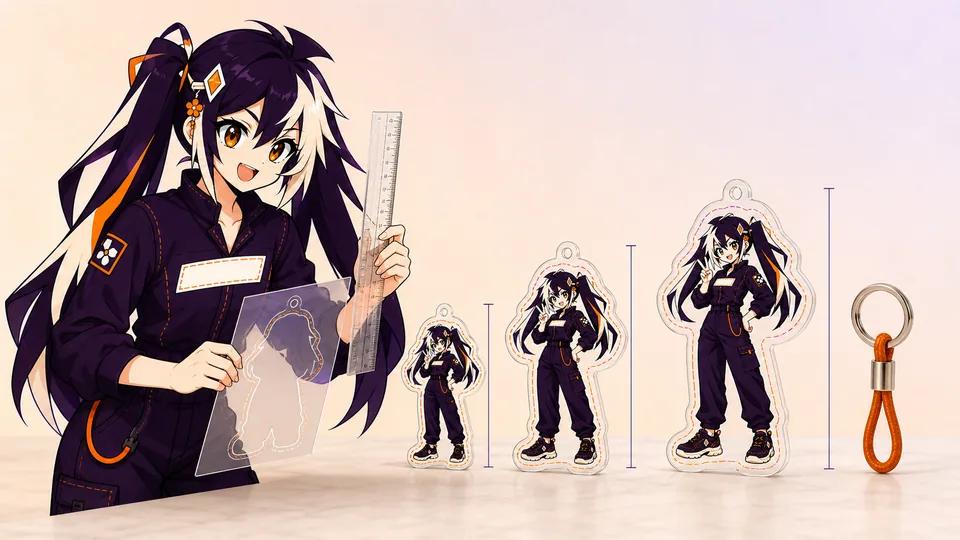
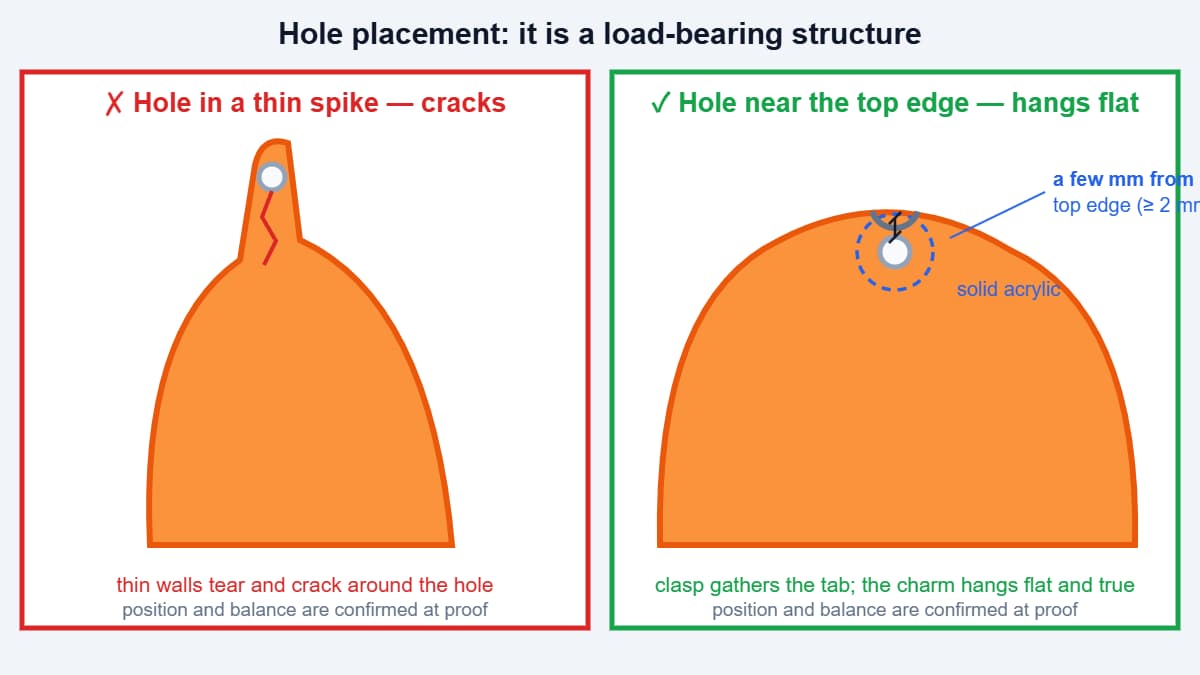
The hole deserves respect: it is a load-bearing structure, and two failure modes sit at opposite ends. Bury it deep in the body and the charm pivots on the ring, hangs cocked, and every swing concentrates stress on the material between the hole and the edge. Draw it too close to the edge — or land it on a thin spike — and the walls around it tear. The working rule: the hole sits near the top edge, with a solid bridge of acrylic between the hole and the cut line (industry-typical minimum about 2 mm) and solid walls all around; holes run around 2–3 mm in diameter to take a standard jump ring or clasp. Where the hole lands, and how the charm balances, is confirmed at proof.
Edges: laser-cut acrylic comes off the machine with a smooth, polished-looking edge as the industry-typical result. There is no separate polishing step in the standard flow, and the edge finish on your proof is the reference for the batch. If a design ever needs a special edge treatment, that is an options conversation before production, not a surprise after it.
This is also the stage where the charm stops being a rectangle of possibility and becomes your shape. Contours that hug the artwork look better and wear better; contours with narrow spikes, deep notches or long thin tails are exactly the ones that need the safe-zone discipline from Step 1 — the file decides whether cutting has room to be forgiving.
07
Step 5: Surface finishes, compared
Cut charms can ship as they are — the standard clear look — or take a surface finish applied after cutting. Finishes change thickness, weight, feel and price, so they are ordered as options rather than assumed. The four we run most:
- Epoxy dome — a clear resin layer over the printed face that cures into a rounded, glass-like coating. It adds measurable bulk and a smooth tactile edge; the exact thickness is confirmed before production. Choose it for designs you want to feel substantial.
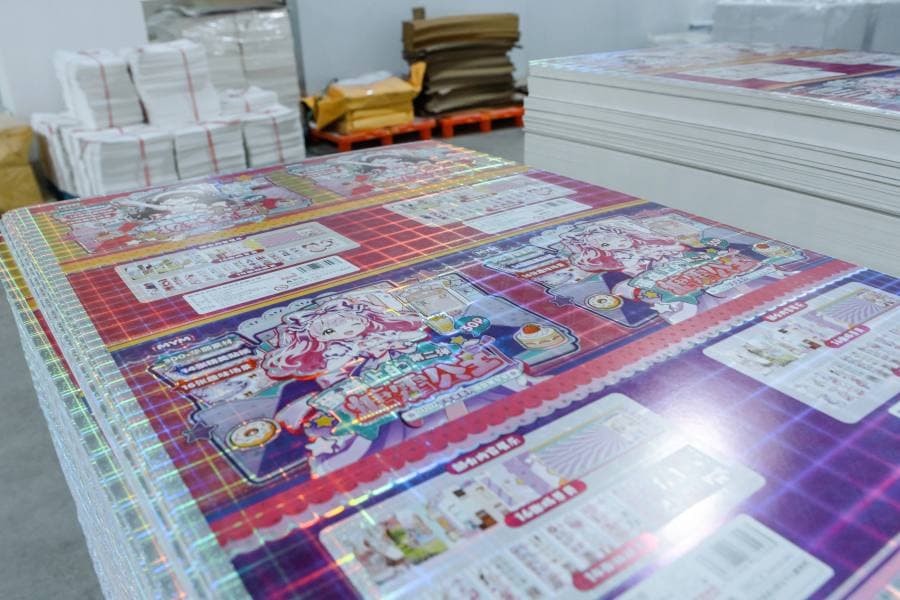
- Holographic film — a rainbow-diffraction layer that shifts colour with the viewing angle. Choose it for magical or iridescent artwork; busy full-coverage art competes with the film.
- Glitter — flakes suspended inside a clear layer, adding sparkle with no moving parts. Note this is a sealed layer, not loose glitter: nothing moves inside a standard charm.
- Frosted — a matte translucent finish that diffuses light and noticeably reduces glare on clear panels; it softens colours rather than eliminating them.
| Finish | What it changes | Best for |
|---|---|---|
| Epoxy dome | Thickness, weight, rounded edge, gloss | Statement charms, larger sizes, gift feel |
| Holographic | Background colour shift with angle | Iridescent, magical or celestial artwork |
| Glitter | Sparkle sealed in a clear layer | Cute and kawaii styles that need shimmer |
| Frosted | Matte translucency, reduced glare | Soft palettes and readable text on clear panels |
08
Common defects and where they come from
Most acrylic keychain defects trace back to one of three places: the file, the print, or the finish. Knowing which is which turns a disappointment into a fixable specification.
File-side problems are the most common. A cut line that is not fully closed produces charms that do not separate cleanly. Missing bleed shows up as a thin unprinted sliver at the edge. Content straying outside the safe zone is what puts text too close to a cut edge — or over the hole. And the hanging hole must exist as a real cut path in the production file; a hole drawn only on a hidden layer simply will not be there.
Print-side issues are rarer and mostly cosmetic: banding in large gradients, or colours that read differently from a bright screen. CMYK printing shifts colour slightly between batches as a matter of process; the approved proof is the reference, not the screen. White-ink coverage problems — a design looking translucent instead of solid — usually mean the white layer was missing or incomplete in the file.
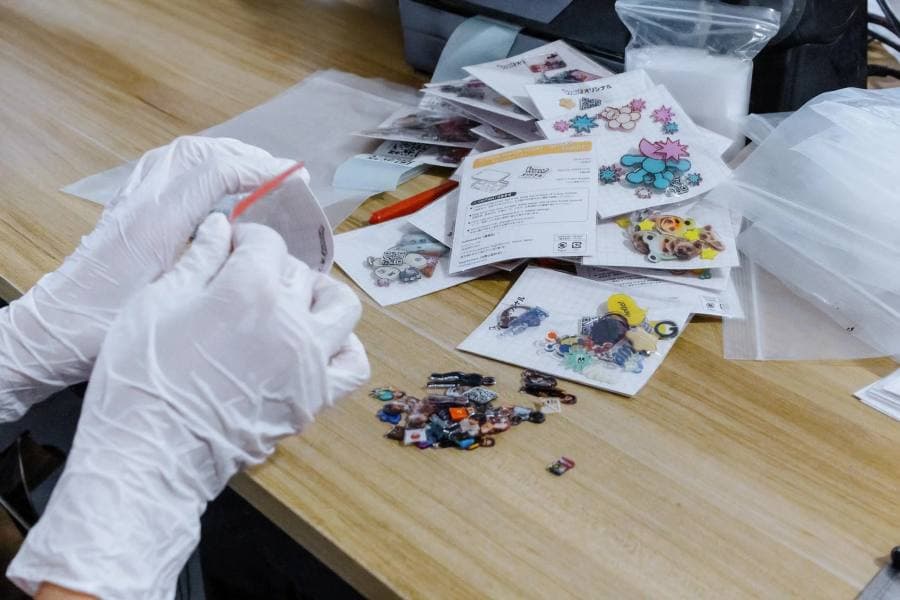
Finish-side defects concentrate in epoxy: bubbles trapped in the dome, or dust caught during curing. Both are inspection catches — pieces that fail are pulled at the QC table rather than shipped. This is also why finish options add production time: the resin needs to cure before a charm can honestly pass inspection.
09
Design file requirements
Everything above condenses into a short file checklist. Following it is the difference between a proof that comes back clean and one that bounces:
- Formats: AI, PDF, PSD or transparent PNG. Vector preferred; convert fonts to outlines.
- Bitmaps: 300 DPI, CMYK, longest edge at least 1,000 px.
- Layers: separate and name the white layer and the cut contour (“White” and “CutContour” by convention).
- Bleed: artwork extends 0.5 mm past the cut line.
- Safe zone: important content at least 2 mm inside the cut line.
- Line weights: white strokes above 0.5 mm; coloured strokes above 0.3 mm (rule of thumb).
- Hole: include the hanging hole in the cut path, with solid acrylic around it.
10
Skip the file setup: design it in the browser editor
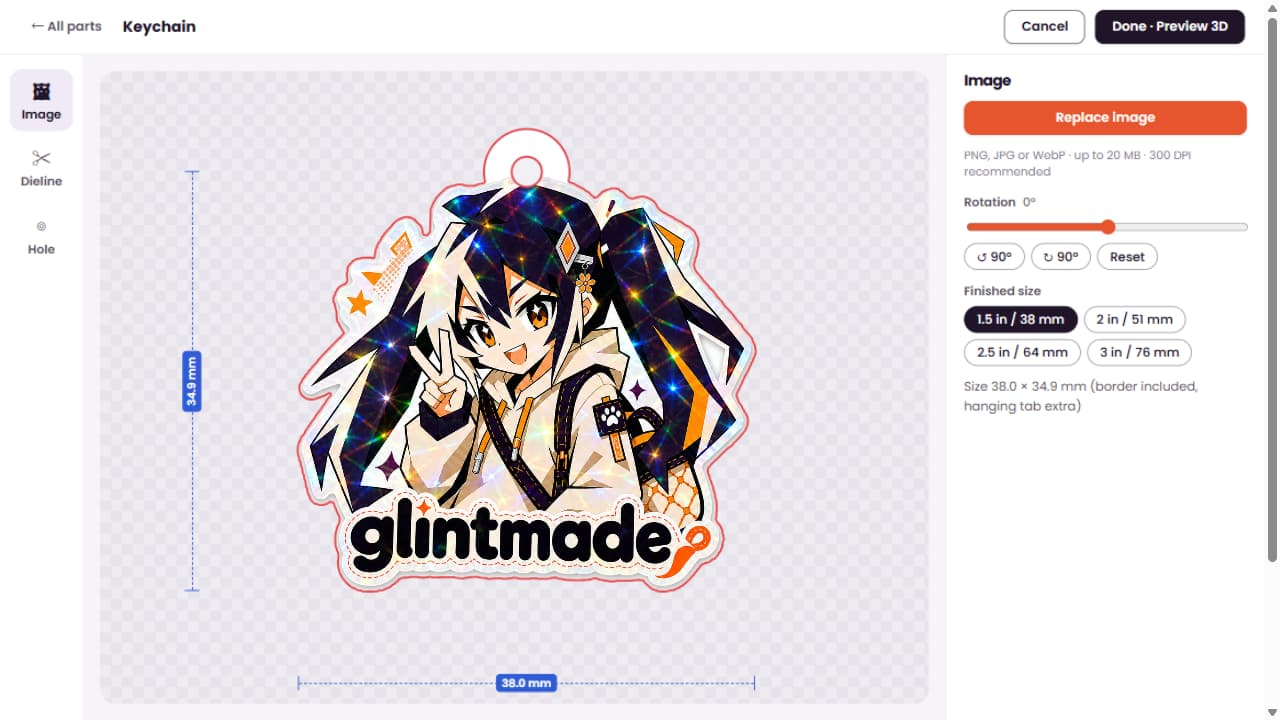
Everything in Step 1 can be skipped entirely if you design in our online editor. Pick the keychain model, upload your artwork onto the template and position it — the template already contains the cut contour, the bleed and the white backing, so the production rules from Steps 1 and 2 are satisfied by construction.
The editor preview is honest by design: it shows the finished size, the cut line and the white ink exactly as production will read them. That is why editor orders have no separate proof — what the preview and checkout show is what the factory makes. Automatic checks catch the common mistakes (missing artwork, content over the hole, out-of-bounds details) before you pay.
It is also the lowest-friction way to order: the minimum is a single piece, finishes and hardware are configured on the same page, and the file your design produces is the same production file the pipeline in this article consumes. If your design outgrows the editor — unusual structures, bulk runs, special finishes — that is where the upload-and-review route takes over. Try the sample designs first — including our Glint mascot — to see how a finished file behaves on the model.
11
From order to doorstep
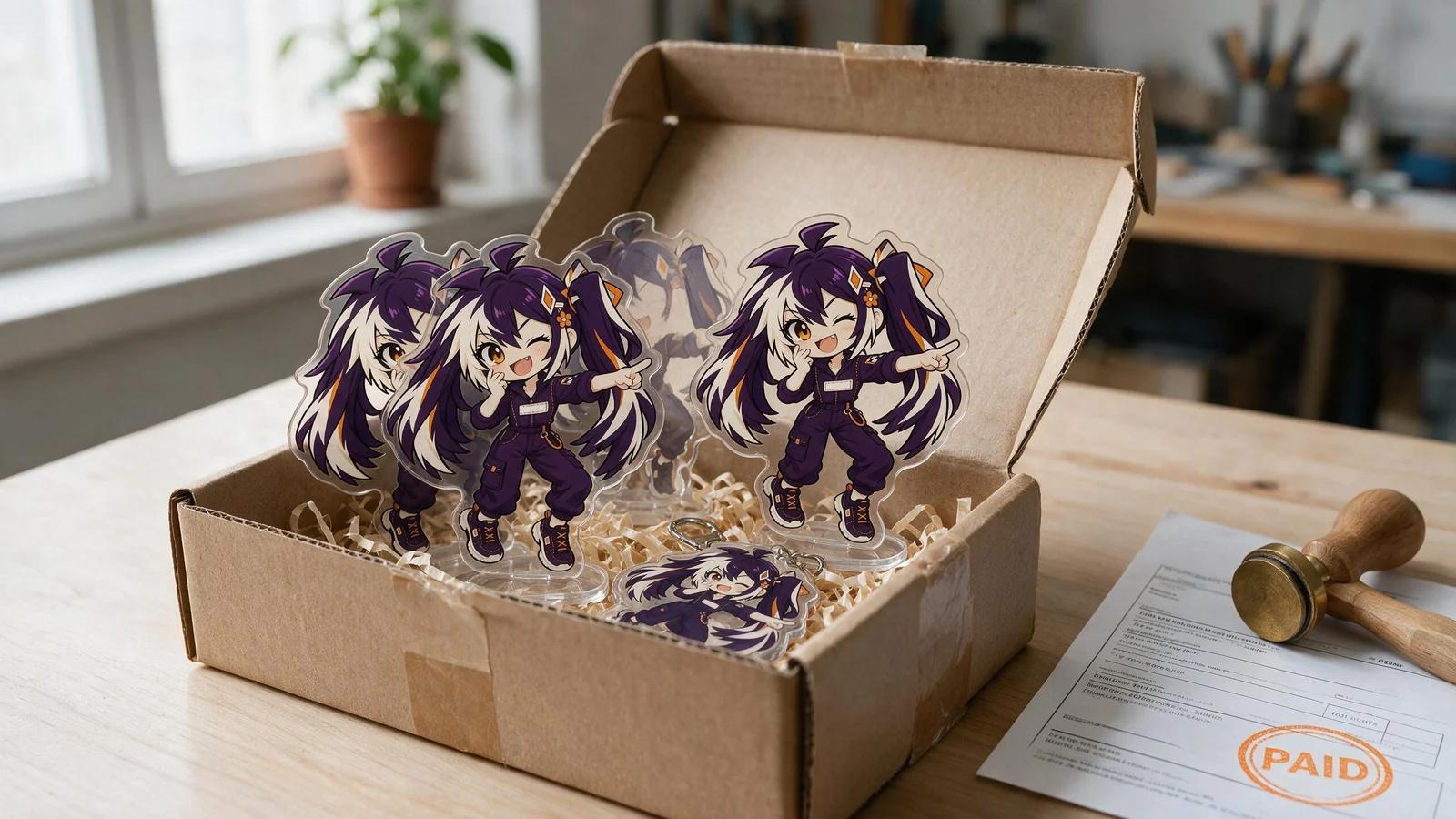
A single keychain and a thousand keychains move through the same stages — the difference is nesting and repetition. In practice: the file passes preflight (or you design in the editor, where the template handles it); a proof is approved — or skipped entirely for editor orders, where the preview is the proof; the design is nested onto production sheets with other orders; printing, bonding and cutting run as one pipeline; finishes are applied where ordered; hardware is fitted; and inspection sorts the batch before packing.
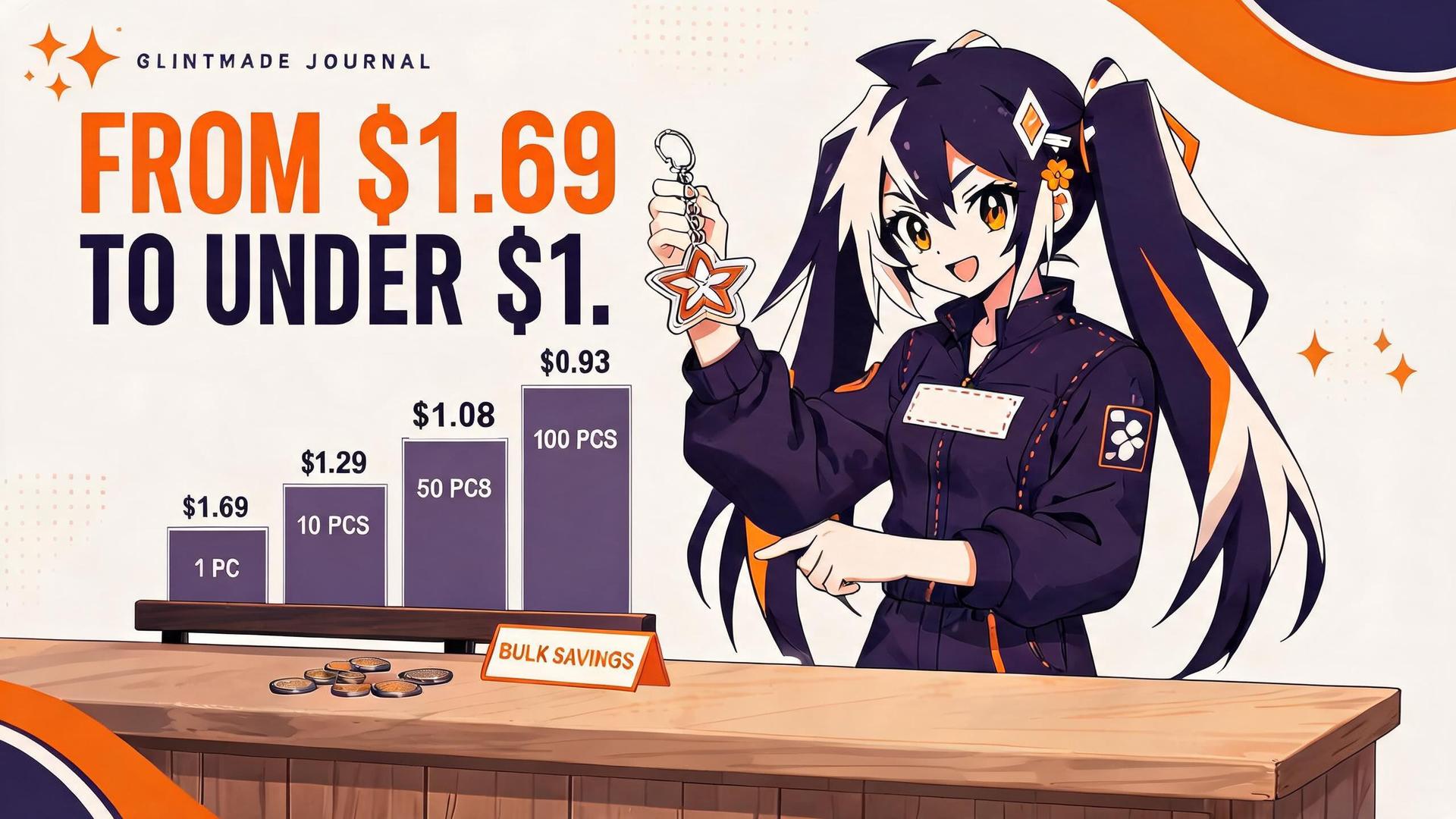
On the clock: acrylic keychains take 5–7 business days from payment to dispatch, made in our own factory in Wenzhou — weekends and holidays are on top of that. Epoxy and other finishes add curing time inside that window, and shipping runs duties-paid to 68 countries. Bulk and OEM orders agreed by email follow a formal proof, so their clock starts at proof approval instead.
What does not change is the sequence: no charm is cut before its proof — or its editor preview — is approved, and no charm ships without passing inspection.
FAQ
Frequently asked questions
Are acrylic keychains printed on both sides?
Double-sided production with different artwork on each face is supported — supply two aligned files. The construction seals the artwork inside the acrylic either way; the exact arrangement for your design is confirmed at proof.
Why does my design need a white layer?
Clear acrylic is transparent, so inks printed without a white backing would look see-through and washed out. The white layer sits behind the colours and makes them opaque — it is the difference between a design that reads solidly and one that looks like glass tint.
What is the difference between epoxy and a shaker keychain?
Epoxy is a solid clear resin layer on the surface — nothing moves. A shaker is a different construction with a sealed cavity and loose pieces inside. They are separate products with separate pricing and separate files.
Will the colours match my screen exactly?
Screens emit RGB light; presses print CMYK pigment, so some screen colours — especially neon — are simulated rather than matched. CMYK files preview the honest result. Batch-to-batch colour shift is normal in CMYK printing; the approved proof is the reference.
Can I get a physical sample before the full run?
Yes — a physical sample can be arranged before production. Many orders start with the digital proof and go straight to the batch; designs with unusual structures, finishes or colour-critical artwork benefit from holding a sample first.
Do I need to prepare a print file?
No. If you design in the online editor, the template provides the cut contour, bleed and white backing, and the preview shows the cut line and white ink exactly as production reads them — there is no separate proof. Only uploaded-file orders go through the artwork checks in Step 1.